WhatsApp Scheduled Messages Are Official on Android and iPhone
WhatsApp has announced scheduled messages for Android and iPhone. You can queue text, photos and videos up to 14 days ahead, and they send even if your phone is off.
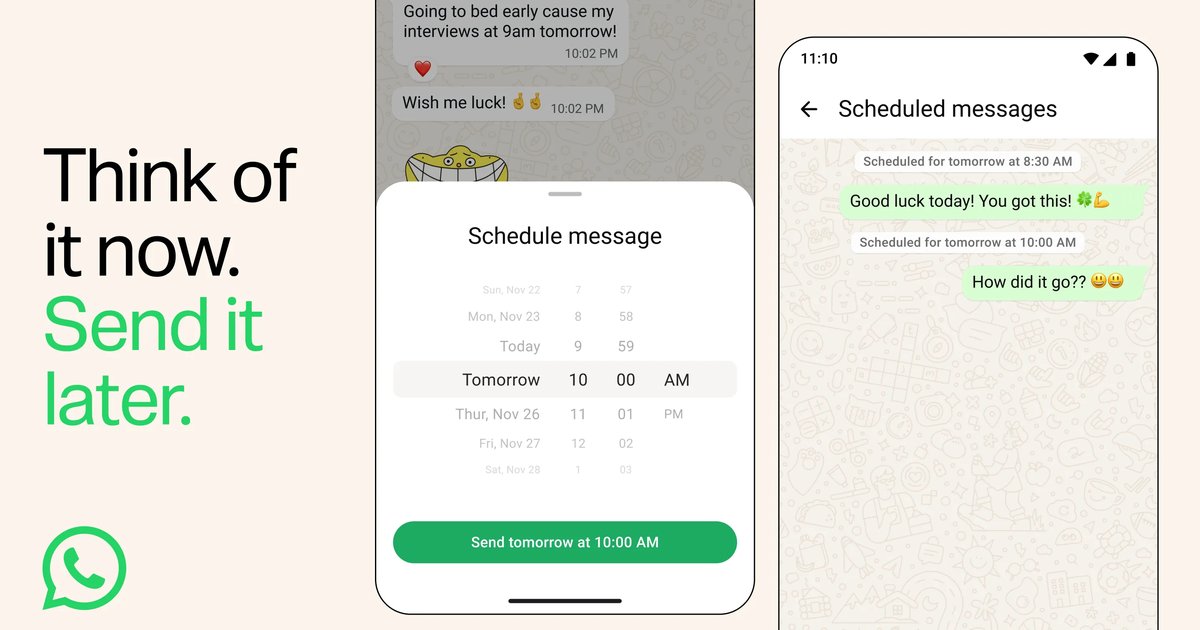
WhatsApp scheduled messages became official on 25 November 2026, when the company announced on its blog that Android and iPhone users will be able to write a message and have it sent later. You can pick any time from 10 minutes to 14 days ahead, in one-to-one chats and groups. The rollout is global but gradual, and WhatsApp says it will run over the coming weeks.
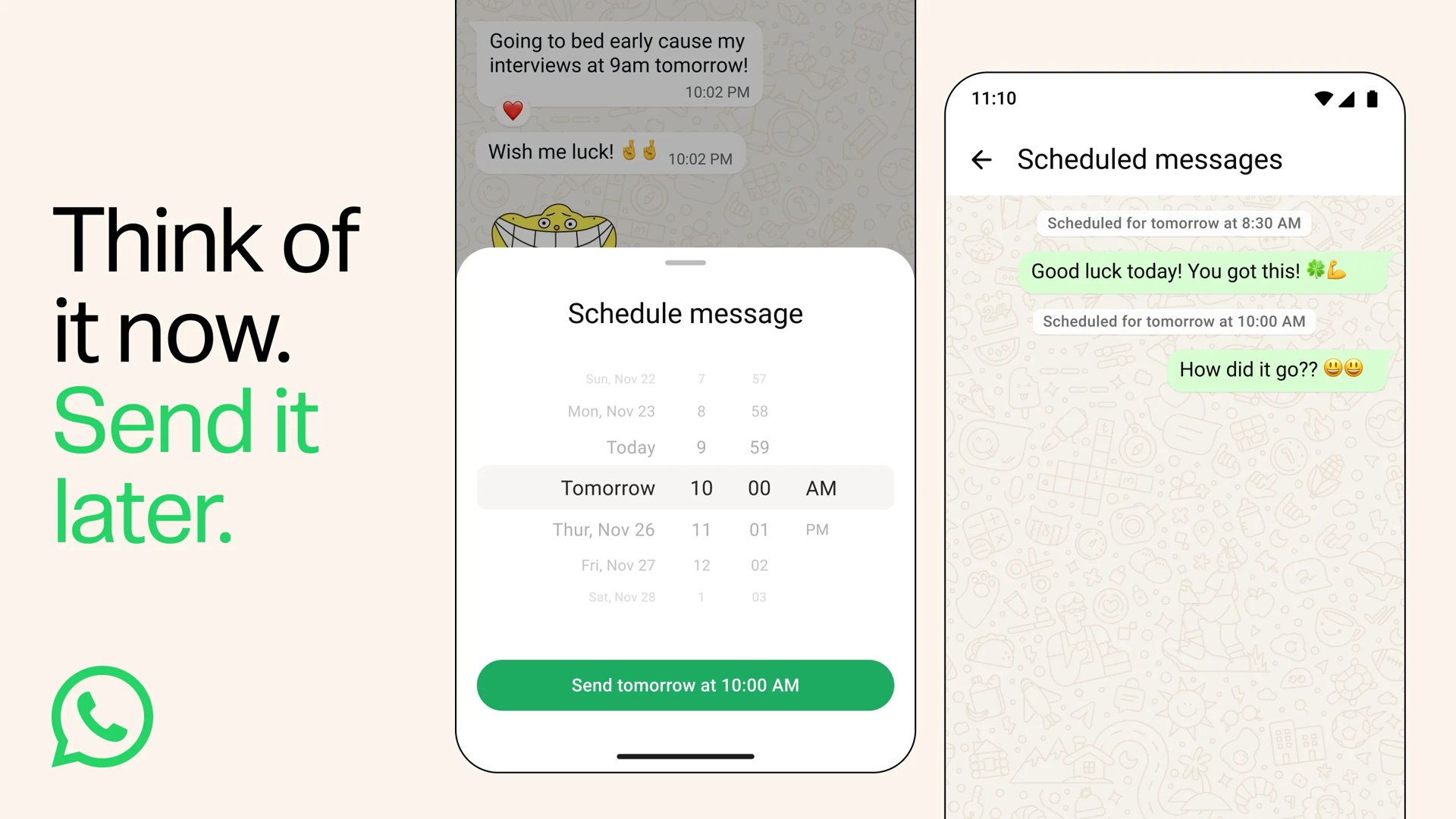
WhatsApp calls it one of its most requested features. Its own examples are wishing a friend luck on the morning of an exam, or landing a birthday message at midnight in someone else's time zone.
How WhatsApp Scheduled Messages Work
Type your message as usual, then press and hold the send button instead of tapping it. A picker opens, you choose the date and time, and the message joins a queue.
You can see everything you have lined up and delete a message before it leaves. WABetaInfo says the list sits in the chat info screen of each conversation. To the person receiving it, the message looks like any other, so nobody will know you wrote it three days earlier.
| Detail | WhatsApp scheduled messages |
|---|---|
| Announced | 25 November 2026 |
| Platforms | Android and iOS |
| Earliest send time | 10 minutes ahead |
| Latest send time | 14 days ahead |
| Chats | One-to-one and group |
| Content | Text, photos and videos |
| Phone must be on? | No |
| Encryption | End-to-end encrypted |
| Availability | Global, over the coming weeks |
It Sends Even With a Dead Battery
This is the useful part. WhatsApp says a scheduled message still goes out at the chosen time if your phone is switched off or has run out of battery, and that the message stays end-to-end encrypted, so even WhatsApp cannot read it.
According to WABetaInfo, the message is handed to WhatsApp's server when you schedule it, and the server delivers it at the right moment. That also explains a quirk in groups: the outlet says only people who were members when you scheduled the message will get it. Anyone who joins afterwards will not.
What Is Missing
Voice notes are not on WhatsApp's list of supported content, which covers text, photos and videos only. Editing is less clear. 9to5Google reports that you can edit a queued message, but WhatsApp's post mentions only viewing and deleting. Until it reaches your phone, plan on deleting and rewriting if you spot a typo.
How It Compares With iMessage
Apple added Send Later to Messages with iOS 18, and its support guide gives the same 14-day limit. Send Later works only over iMessage, though, so it is no help when you are texting a friend on Android. WhatsApp's version covers both sides. Instagram, also owned by Meta, has had scheduled messages since 2024, according to Engadget.
WhatsApp has been busy this month. It also began testing built-in cloud backup with 2GB of free storage on Android, plus a floating bottom bar that shrinks as you scroll.
Our Opinion
This one is late, but WhatsApp got the hard part right. A scheduler that fails when your phone dies is not much use, and this one keeps working. It suits anyone with family abroad, small shop owners who answer customers at night, and people who remember birthdays at the wrong hour. The 14-day limit is the main trade-off. It is fine for a birthday next week, but you cannot set up a whole year of greetings, and we would like to see voice notes and recurring messages added. If you send from an iPhone to Android friends often, this is a better tool than Send Later. Just check your queue before you change plans.
Will you use scheduled messages, or do you prefer to hit send yourself? Do let us know in the comment section below, and stay tuned to Phone Opinions.
Source: WhatsApp Blog, WABetaInfo, 9to5Google, Engadget, Apple Support
FAQ
How do I schedule a message on WhatsApp?
Type your message, press and hold the send button, then choose the date and time. You need the latest version of the app, and the option may take a few weeks to reach your account.
How far ahead can you schedule a WhatsApp message?
You can schedule a message between 10 minutes and 14 days in advance, in both one-to-one and group chats.
Will a scheduled WhatsApp message send if my phone is off?
Yes. WhatsApp says the message will still arrive at the chosen time if your phone is off or its battery is empty.