WhatsApp Tests Floating Bottom Bar on Android That Shrinks as You Scroll
Some WhatsApp Android beta testers are getting a floating bottom navigation bar with a blur effect that shrinks into a pill while scrolling.
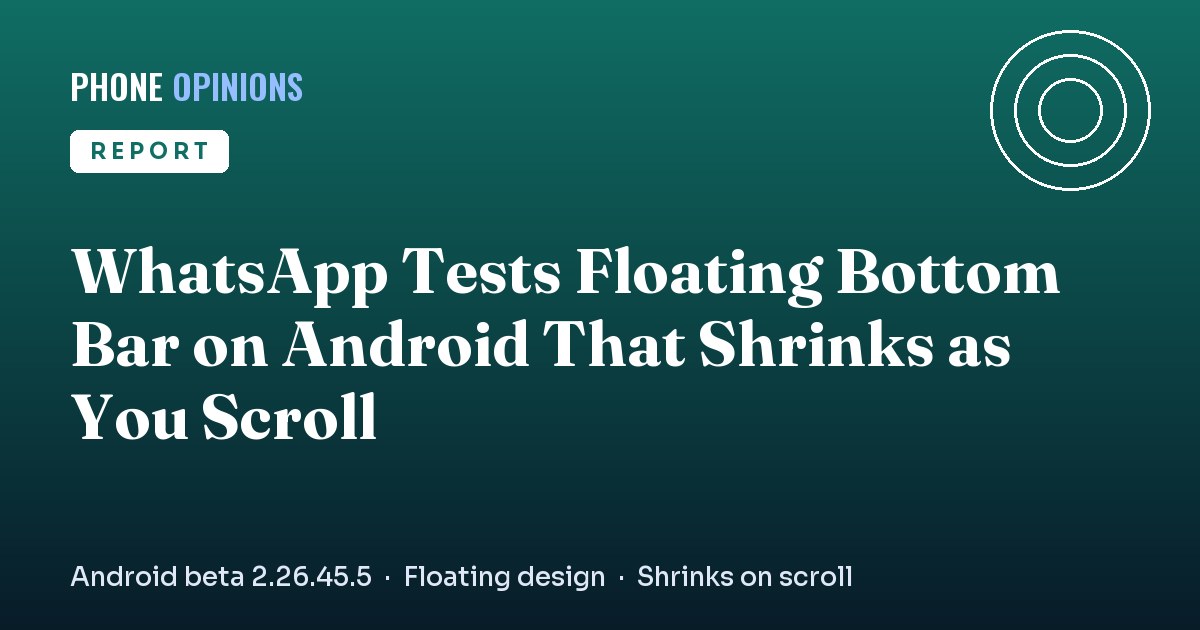
WhatsApp is giving its Android app a new look. A redesigned WhatsApp navigation bar that floats above the screen is reaching some testers in beta 2.26.45.5, WABetaInfo reported on 15 November 2026, and it shrinks into a compact pill when you scroll through your chats.
What's new in the WhatsApp navigation bar
The current bar stretches edge to edge along the bottom of the screen. The new one doesn't touch the edges at all. It sits slightly above the content as a separate floating panel, with a progressive blur underneath so your chat list fades softly behind it.
The main changes are:
- Floating design: the bar is detached from the screen edges and the rest of the interface.
- New tab highlight: the selected tab is marked with a circle around the icon instead of the old pill shape.
- Shrinks on scroll: scroll down and the bar gets narrower and shorter, turning into a small pill with the icons still visible. Scroll up and it returns to full size.
- Theme colours: the highlight follows your app theme, and WhatsApp Plus subscribers can pick an accent colour for it.
How the redesign got here
WhatsApp has been working on this for a while. The floating bar first showed up in beta 2.26.38.10 in late September, a version without text labels followed, and beta 2.26.41.6 added the resizing behaviour, according to WABetaInfo. SammyFans also reported the shrinking floating bar in testing on 11 November 2026.
The rollout is limited to some beta testers for now, and WhatsApp hasn't given a date for the stable app. In a related test, beta 2.26.45.2 swaps the Communities tab for a new Contacts tab, with Communities moving to a filter in the chat list.
Our Opinion
The floating bar looks modern, and the shrinking trick is genuinely useful because it gives more room to your chat list on smaller phones. It also brings WhatsApp closer to how Google's own apps and many One UI apps now behave, so it shouldn't feel out of place.
The risk is accidental taps. A small floating pill can be harder to hit, and the blur may make the bottom of the screen look busy on cheaper displays. WhatsApp has tested several versions already, which suggests it is still tuning the details. We'd rather it takes the time than ship a bar people struggle to use.
Do you like the new floating look, or prefer the classic bar? Let us know in the comments, and stay tuned to Phone Opinions for more app news.
Source: WABetaInfo, SammyFans
This story was originally reported by WABetaInfo.
FAQ
How do I get the new WhatsApp navigation bar?
It is rolling out to some testers in WhatsApp beta for Android 2.26.45.5 from the Google Play Store. Not every tester has it yet.
Does the new bar have different tabs?
A separate test replaces the Communities tab with a Contacts tab, and Communities move to a chat list filter.
When will the redesign reach the stable app?
WhatsApp hasn't announced a date.