Pixel Camera Bug Hits Pixel 10 and 11 After November Update
Some Pixel 10 and Pixel 11 owners report black viewfinders and camera errors after Google's November 2026 update. A five-minute power-off is helping some users while Google stays quiet.
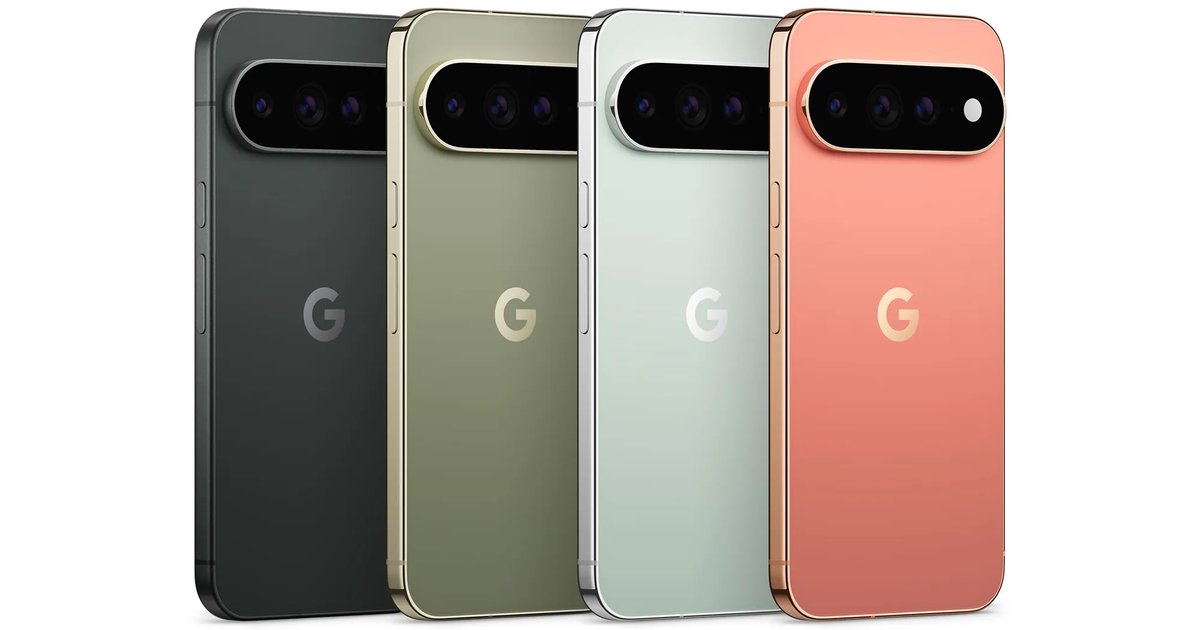
A Pixel camera bug is hitting some Pixel 10 and Pixel 11 owners after Google's November 2026 update, which began rolling out on 10 November 2026. Affected phones show a black viewfinder or a "Something went wrong" error, and the update is free, so the only cost is a camera you can't use until a workaround kicks in.
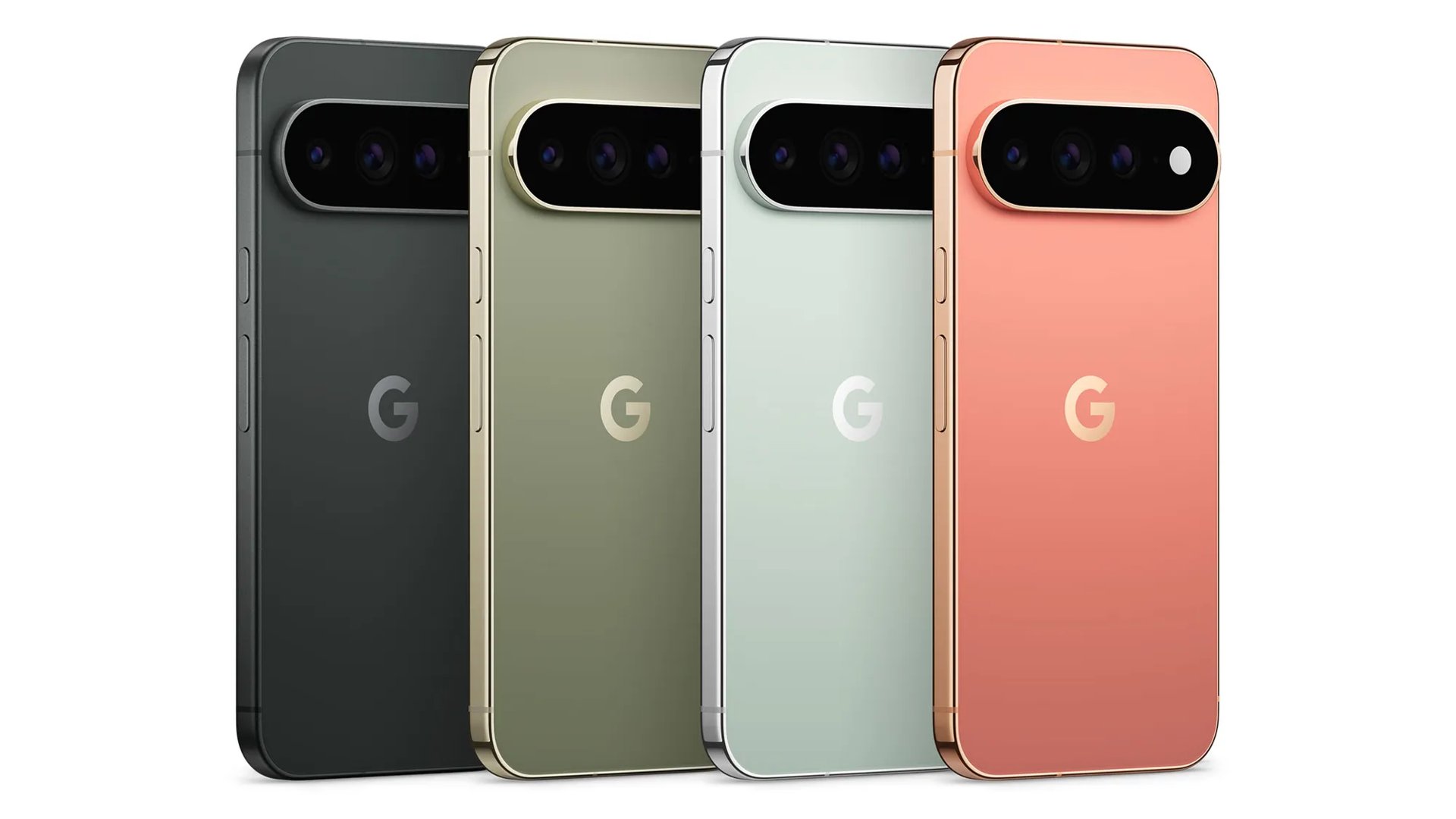
What Pixel Owners Are Seeing
According to Android Authority, the reports come from a Reddit thread on r/GooglePixel and two threads on Google's own support forum. Some users get an error asking them to close and reopen the Camera app. Others simply see a black preview where the scene should be.
Both the front and rear cameras can stop responding. The failure is not limited to Google's Camera app either, because third-party apps that use the camera are affected too.
Tech Advisor, which collected similar reports, says the camera freeze is one of several bugs people have linked to the update.
Which Pixel Phones Are Affected
The camera reports so far centre on the Pixel 10 and Pixel 11 series. Android Authority found no cases on older models. The November release went out to every Pixel from the Pixel 6a onwards, with build CP4A.261105.040.A1 for most phones and separate builds for the Pixel 11 in the US and Canada.
Ironically, the update's own changelog lists a camera fix for the Pixel 11 series, aimed at photos that sometimes failed to save. It does not mention the black screen problem.
How to Fix the Pixel Camera Bug for Now
A normal restart doesn't seem to help. The workarounds people are reporting are:
- Full power-off: shut the phone down completely, leave it off for about five minutes, then switch it back on. Product experts on Google's support forum suggested this, and it worked for some users.
- Camera access toggle: Tech Advisor says turning off camera access in Quick Settings, waiting about five minutes, and turning it back on also helps.
Users told Android Authority that a factory reset, clearing the Camera app's data and Safe Mode did not fix it.
Has Google Responded?
Not yet. Android Authority asked Google for comment on 12 November 2026 and had no reply at the time of publication. Google has not confirmed the cause or said when a permanent fix will arrive.
The bug lands in the same release that brought the November Pixel Drop and Android 17 QPR2, so many owners installed it for the new Gemini features.
Our Opinion
A camera that won't open is about as bad as a phone bug gets, especially on the Pixel 11, which Google sells on its photography. The good news is that the problem doesn't look widespread, and the five-minute power-off is easy to try. If your Pixel 10 or Pixel 11 hasn't installed the November update yet, we would wait a few days for Google to comment or push a follow-up build. If it doesn't, try the full shutdown before anything drastic. Until then, the real trade-off is between the new Pixel Drop features and a reliable camera, and we'd pick the camera.
Has the November update broken your Pixel's camera, and did the power-off trick work for you? Tell us in the comment section below, and stay tuned to Phone Opinions for Google's response.
Source: Android Authority, Tech Advisor. This story was originally reported by Android Authority.
FAQ
Why is my Pixel camera not working after the November update?
Google hasn't explained the cause yet. Reports link a black viewfinder and camera errors on the Pixel 10 and Pixel 11 to the November 2026 update released on 10 November 2026.
How do I fix a black camera screen on my Pixel?
Turn the phone completely off, wait about five minutes, and turn it back on. Toggling camera access off and on in Quick Settings, with a five-minute wait, has also worked for some users.
Are older Pixel phones affected by the camera bug?
So far the camera reports involve only the Pixel 10 and Pixel 11 series, according to Android Authority.