Gemini on Apple CarPlay Rolls Out Globally With Gemini Live
Google began rolling out the standalone Gemini app on Apple CarPlay on 11 November 2026, bringing Gemini Live voice chats plus Gmail and Calendar help to iPhone drivers.
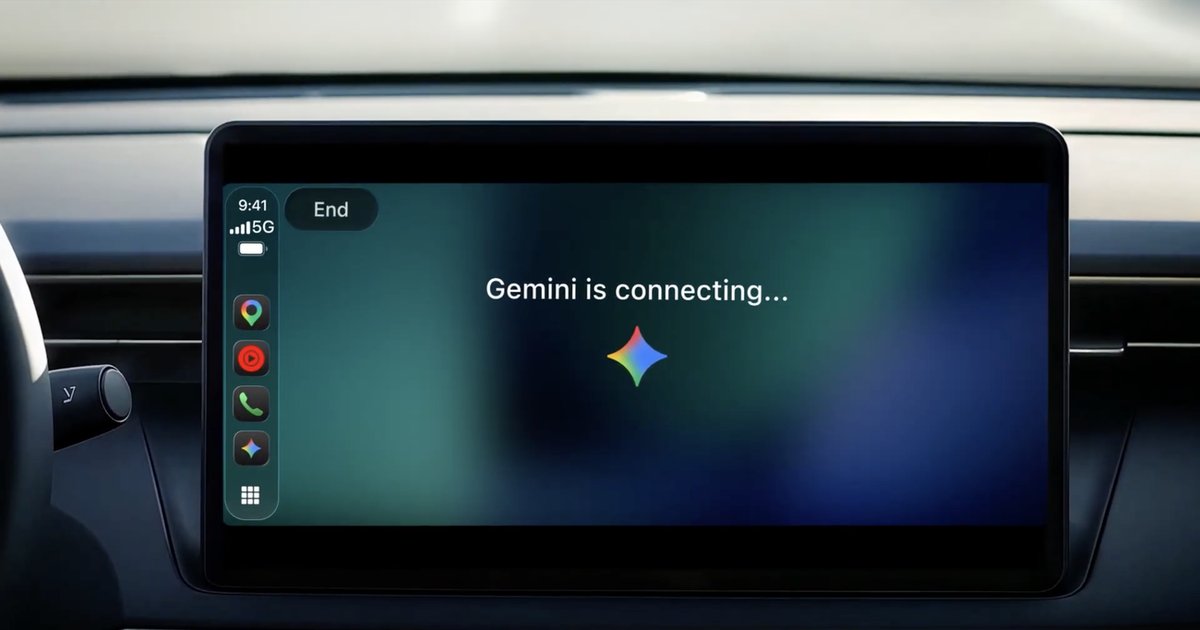
Google started rolling out Gemini on Apple CarPlay on 11 November 2026. The standalone Gemini app now appears on CarPlay screens for every iPhone user of the Gemini app, worldwide, in all languages Gemini Live supports, and it costs nothing extra beyond an updated app.
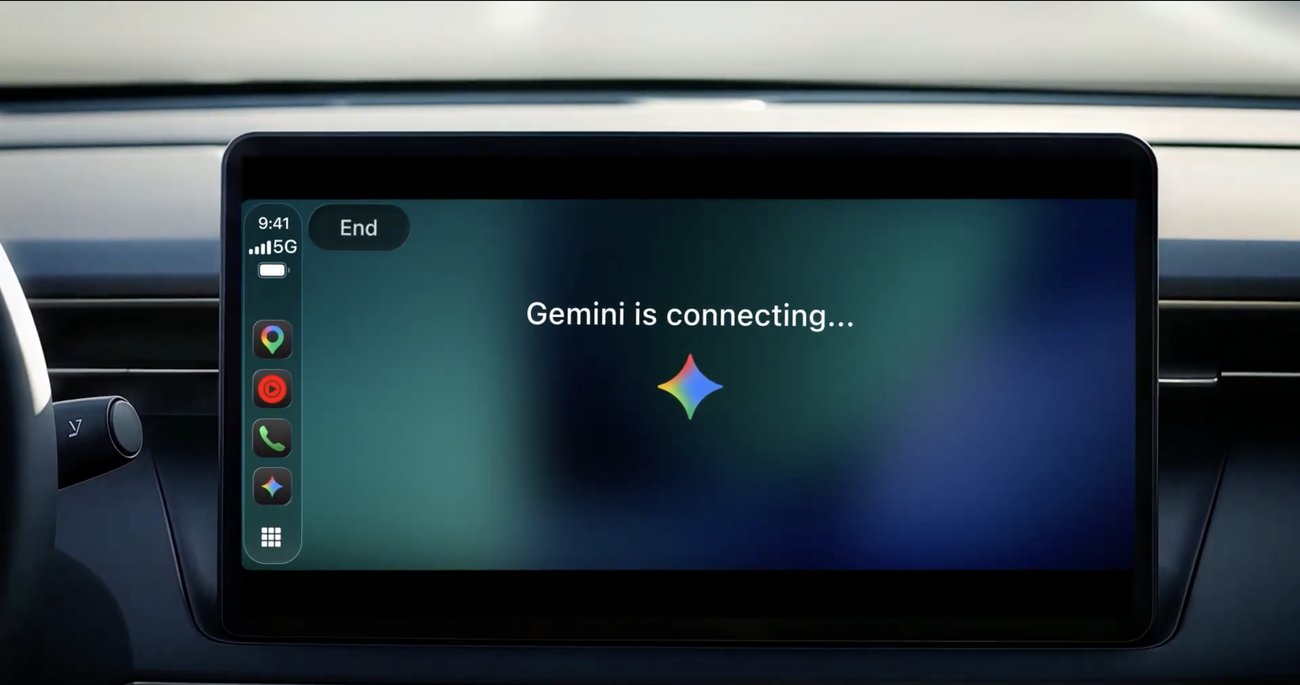
Until now, iPhone owners could only reach Gemini on CarPlay through Google Maps. This update gives Gemini its own icon on the CarPlay home screen and side rail, with Gemini Live as the main event: a back-and-forth voice chat you can hold while you drive.
What Gemini on Apple CarPlay Can Do
Tap the Gemini icon and you can pick up your most recent chat or start a fresh one. You can cut in mid-answer, switch topics or pause, and the conversation syncs back to the Gemini app on your iPhone, so nothing is lost once you park.
Google is pitching it mainly as a commute assistant. The key uses it lists are:
- Checking your Google Calendar and prepping for the next meeting
- A spoken Daily Brief, plus summaries of unread mail and long Gmail threads
- Dictating a short email reply by voice
- Restaurant and landmark suggestions near your route
- Brainstorming, rehearsing a presentation or talking through a tricky topic
How to Get It
There is no separate CarPlay download. Update the Gemini app on your iPhone, allow microphone access, and use Gemini Live on the phone at least once. After that, the icon should show up the next time you connect to CarPlay.
Because the rollout began on 11 November, it may take a few days to reach every account. Google also says the Daily Brief has to be switched on first, and it is not offered to users under 18 or in the European Economic Area and Nigeria.
What It Can't Do
Gemini here is a talker, not a car controller. According to Android Authority, it cannot skip songs, change the air conditioning or operate other CarPlay apps. Siri still owns those system-level jobs on an iPhone.
How It Compares
Google is late to this party. Android Authority notes that ChatGPT, Claude, Grok and Copilot already offer CarPlay apps, so Gemini is catching up rather than leading. Its edge is the Gmail and Calendar link, which rival chatbots can't match for people who live in Google Workspace.
Android drivers already had Gemini through Android Auto and cars with Google built-in. If you are still on an older handset, note that Android Auto now needs Android 11 or later.
Our Opinion
This is a smart, practical update for iPhone owners who already use Gmail and Google Calendar. Hearing a summary of a long email thread, or getting your first meeting read out on the drive in, is more useful in a car than another general chatbot. The trade-off is clear, though. Gemini can't touch your music, climate or messages apps, so you will still be juggling Siri for the basics, and the Daily Brief is missing in Europe. If you already rely on ChatGPT or Claude in the car and don't use Google's apps, there is little reason to switch. If your work life runs on Gmail, update the app and give it a try on your next commute.
Will you use Gemini in your car, or stick with Siri? Tell us in the comment section below, and stay tuned to Phone Opinions for more iPhone and Android news.
Source: Google
FAQ
Is Gemini available on Apple CarPlay?
Yes. Google began rolling out the standalone Gemini app on Apple CarPlay globally on 11 November 2026 for all iPhone users of the Gemini app.
How do I add Gemini to CarPlay?
Update the Gemini app on your iPhone, enable microphone permission and use Gemini Live once on the phone. The Gemini icon then appears on your CarPlay screen.
Can Gemini control music or climate on CarPlay?
No. Gemini on CarPlay focuses on conversation, email and calendar help, and it cannot control playback, air conditioning or other CarPlay apps.